Your first week · 4 of 6
Recording a visit
Starting, stopping, and the question everyone actually asks: what happens if the internet drops halfway through.
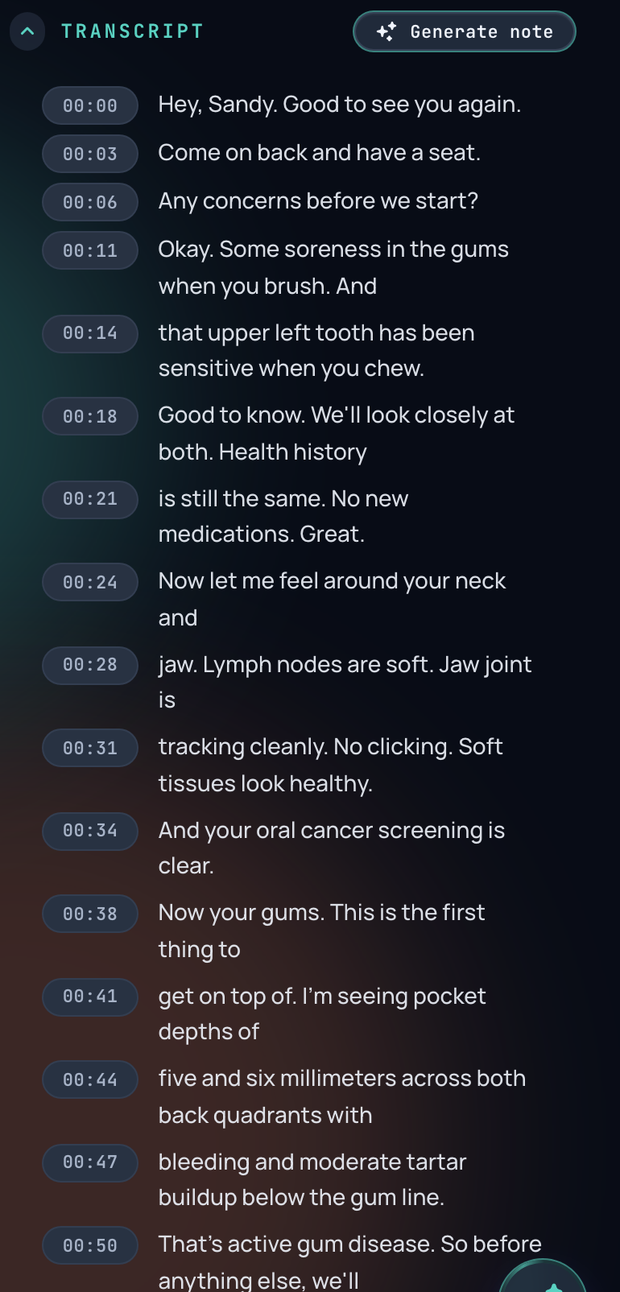
Open the visit and press Record. The control expands to show a level meter and an elapsed timer, so you can see at a glance that it is hearing you, which is the one thing worth checking before you start talking.
You can go and do other things
Navigating to another page does not stop the recording. It carries on in the background and shrinks to a small indicator. You can look at the chart, check the schedule, open another patient.
Long visits stop themselves eventually
There is a ceiling of a few hours with a warning well before it, and it stops rather than running forever. It is there for the case everyone has, where a recording was left running after the patient left.
If the internet drops
This is the question worth the most words, because the honest answer has a condition in it.
Audio is held in your browser as you record. Losing the connection does not lose the recording. When the connection comes back the upload resumes on its own, and it keeps retrying rather than giving up after one attempt.
Two things to know while an upload is still pending. Keep the tab open until it finishes, and do not clear browser data for the site. The only copy of that audio is sitting in your browser until it reaches Mesio, and clearing site data throws it away.
What it is not
This is a recording that survives a bad connection, not an offline mode. Turning speech into a note happens on Mesio's side and needs the connection back. A practice with genuinely unreliable internet should know that the capture is safe and the note will be late, rather than expecting both to work disconnected.
Charting is a different path
Perio charting and live dictation do not wait until the end. They stream while you talk, so numbers land in the chart as you call them. That is why the microphone tuning step matters for charting and matters much less for recording a conversation.
What to say
Talk to the patient normally. The recording is a single channel picking up the room, with no attempt to label who said what, so you do not need to narrate for the microphone or change how you speak. Say the things you would say anyway, including the ones you would normally only think.