The front-desk day · 1 of 5
Getting today's schedule in
Three ways the day's book reaches Mesio, in order of effort. Whichever you use, the rest of the day works the same.
Everything in the front-desk day starts with Mesio knowing who is coming in. There is more than one way to tell it, and they differ only in how much anyone has to do.
Automatic, if Mesio is connected to your system
Where Mesio has a direct connection to your practice management system, the day arrives on its own. Nobody presses anything. This is the case for the desktop systems Mesio reaches through the Bridge.
One pass, if Mesio works inside your browser
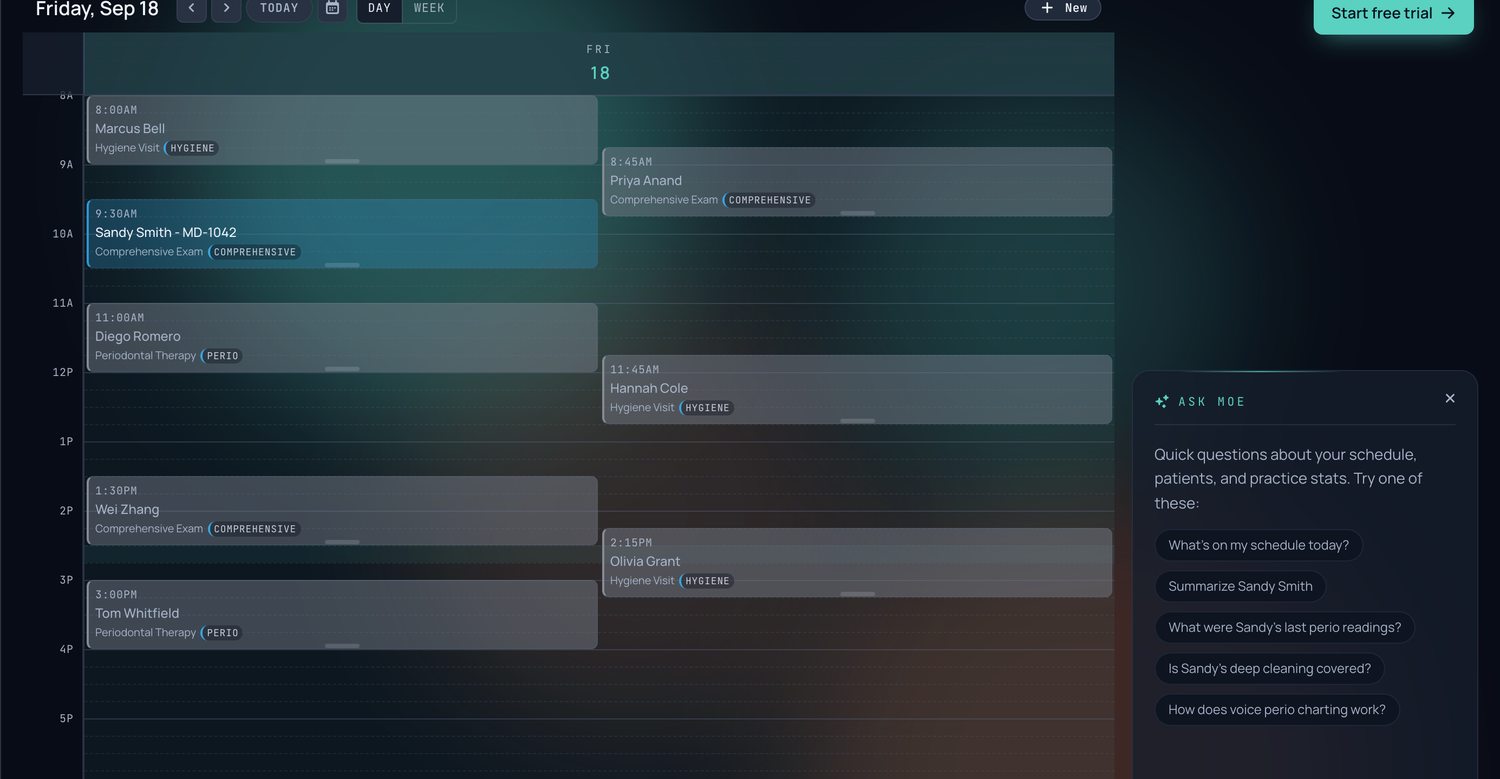
On browser-based systems, Mesio reads the day off the schedule that is already on your screen. That is the same pass that pulls each patient's insurance, so the schedule and the insurance arrive together.
By hand, which is genuinely fine
If neither of those applies yet, the day can be entered or pasted. This is not a degraded mode with features missing. Once Mesio knows who is coming, the rest of the day behaves identically.
That is the point worth making. The schedule is the only thing that varies by practice system. What happens after it is the same everywhere.
Getting the day in is what unlocks the morning. Insurance checks, the prep list and the day's coverage all key off the schedule. An empty day is why those screens sometimes say there is nothing to do.
Names alone are not enough
However the day arrives, a patient who comes through as a name with nothing attached cannot be used safely. Anything Mesio does next depends on being certain who this is, and being wrong there attaches one person's information to another.
Those patients land on the prep list, which is designed to clear itself as you work rather than to be worked through.